Size matters more than the camera
The number that matters is the photo's width in pixels. For small things like ornaments and mugs, 1000 pixels wide is enough. For blankets, canvases, posters and puzzles, use 2000 pixels or more. Our designer warns you if a photo is small.
Send the original from your phone or camera, not a screenshot or a photo saved from a messaging app — both shrink the picture.
Light and focus
Daylight photos print best. Photos taken indoors at night often look grainy when they are enlarged. Check the faces are in focus by zooming in on your screen before you upload.
Leave room around the subject
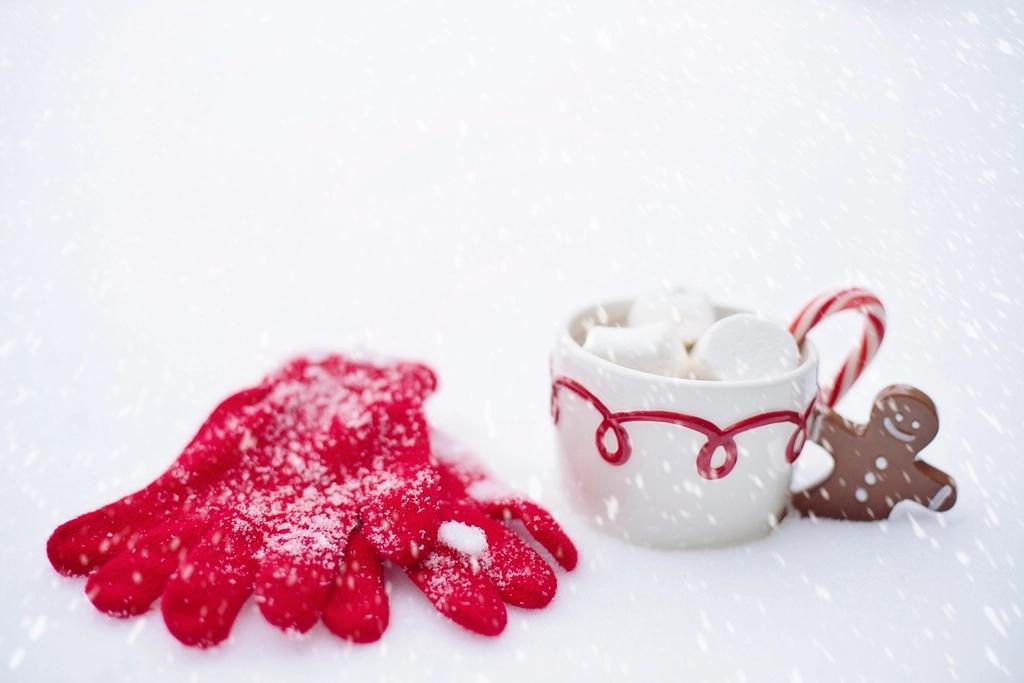
Round ornaments and wrapped mugs hide the edges of a photo, so keep faces in the middle. If you plan to add a name, choose a photo with some sky, wall or snow where the text can go.
Which photo for which gift
- Close-up facesOrnaments, mugs and socks.
- Group photosBlankets, canvases and cards, where there's room for everyone.
- Landscapes and holidaysPuzzles and posters.
More gift guides
- Personalised ornament ideas for every familyA personalised ornament is a small gift with a long life. Here is what to put on one, and which kind to choose.
- How to plan matching family Christmas pajamasMatching pajamas make the photo everyone shares on Christmas morning. A little planning gets every size right.
- Baby's first Christmas gift ideasThey won't remember it, so the gift is really for later. Choose something that will still be on the tree when they are twenty.